

BBMT / Produits / Productivity
TurbOo
TurbOo is a local-first Windows utility for system monitoring, cleanup, diagnostics, file management, productivity tools, customization, and desktop widgets.

TurbOo brings Windows maintenance, diagnostics, file utilities, productivity
tools, and desktop widgets into one organized local-first app.
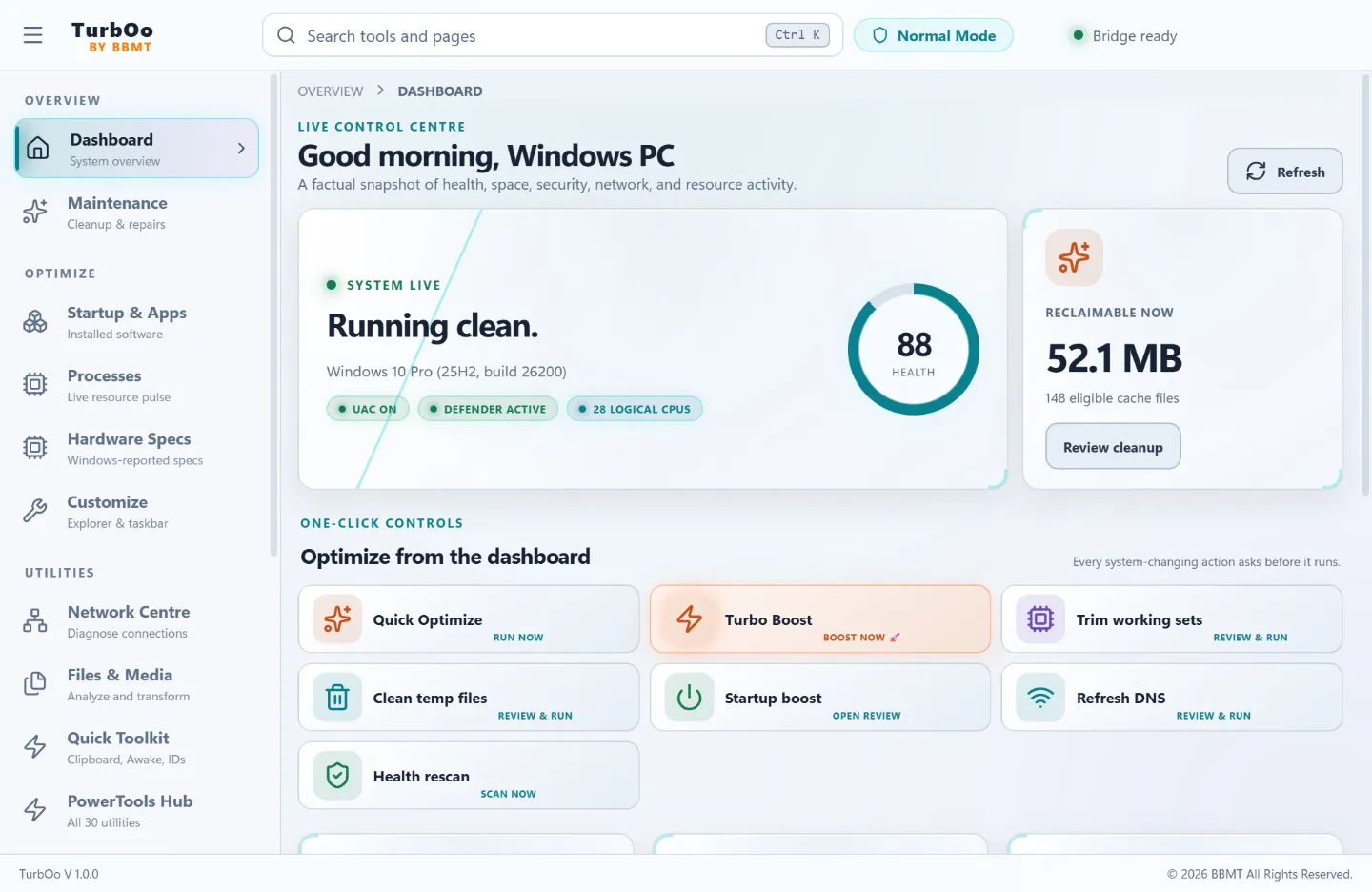
Use the live dashboard to review CPU, memory, storage, security, network, and
process health. Launch protected quick optimization, temporary-file cleanup,
background working-set trimming, DNS refresh, startup review, and a fresh
health scan directly from the dashboard.
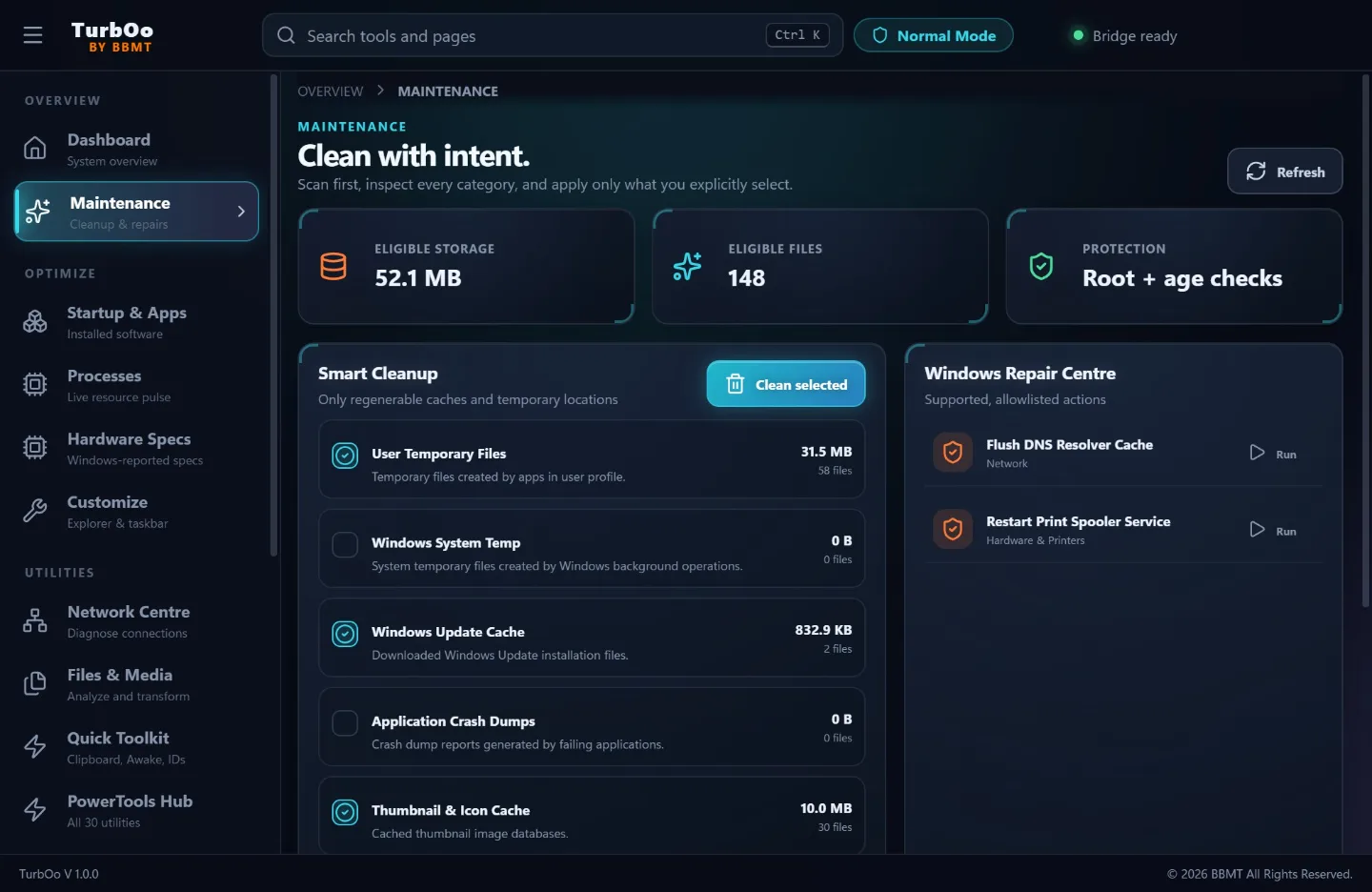
Smart Cleanup scans approved locations and lets you review categories before
anything is removed. Administrative and destructive operations require an
explicit confirmation, protected Windows processes are excluded, and elevated
actions run through an allowlisted UAC broker.

TurbOo also includes startup and installed-app inventories, process controls,
hardware details, Windows customization with Undo, network diagnostics, local
activity history, JSON recipes, and launch workspaces.
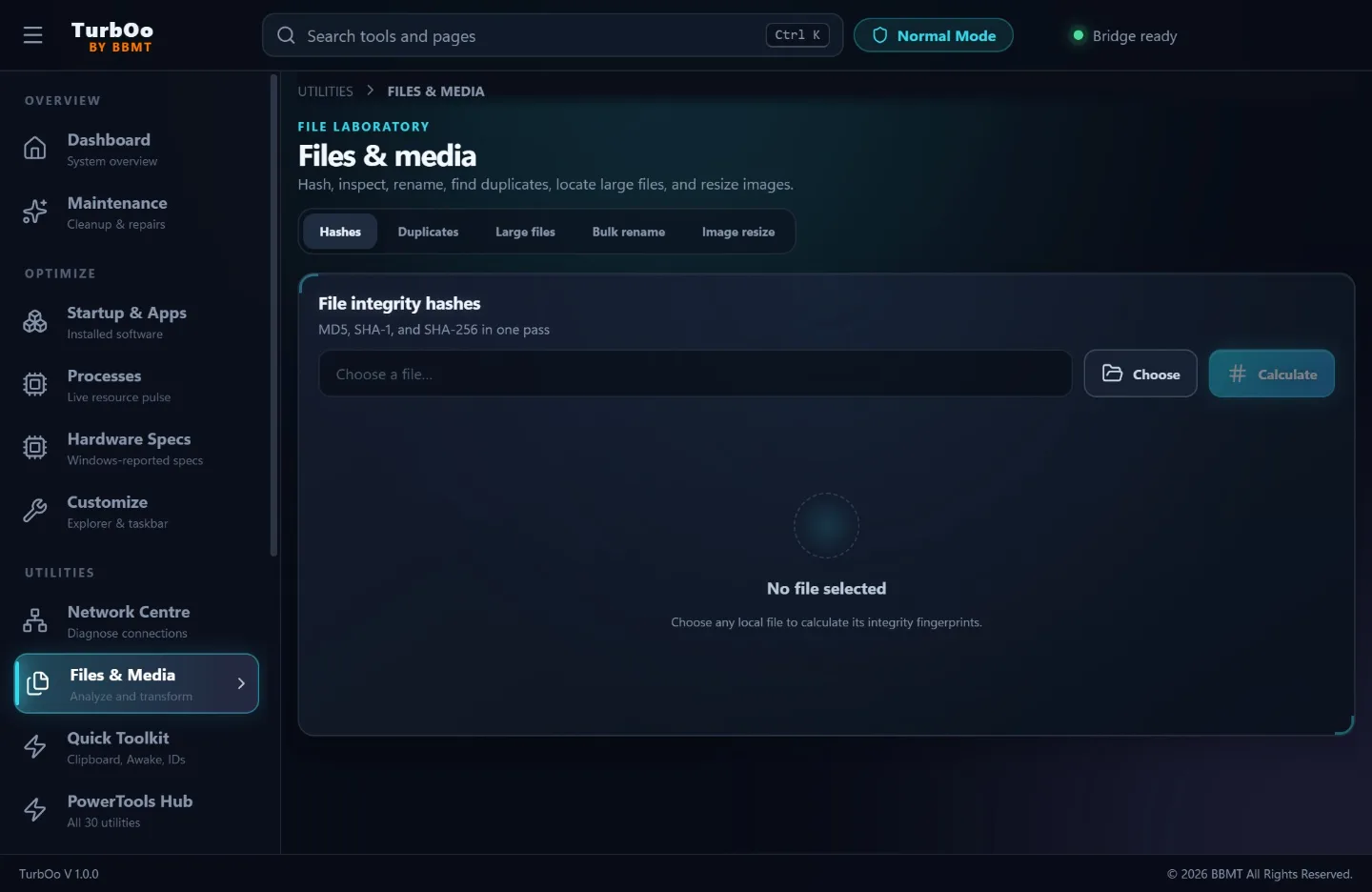
The Files & Media workspace provides file hashing, large-file mapping,
duplicate finding, two-stage batch rename with Undo, and image resizing. The
Quick Toolkit includes clipboard text transforms, GUID generation, Awake mode,
TCP port tests, and Windows launch shortcuts.
PowerTools Hub organizes 30 familiar utility workflows inside TurbOo. Native
features open directly in the app. Features that would normally require a
Windows-wide keyboard, mouse, or window-management hook are clearly marked as
scoped and open the closest TurbOo-native workflow instead of silently
installing or launching a companion app.
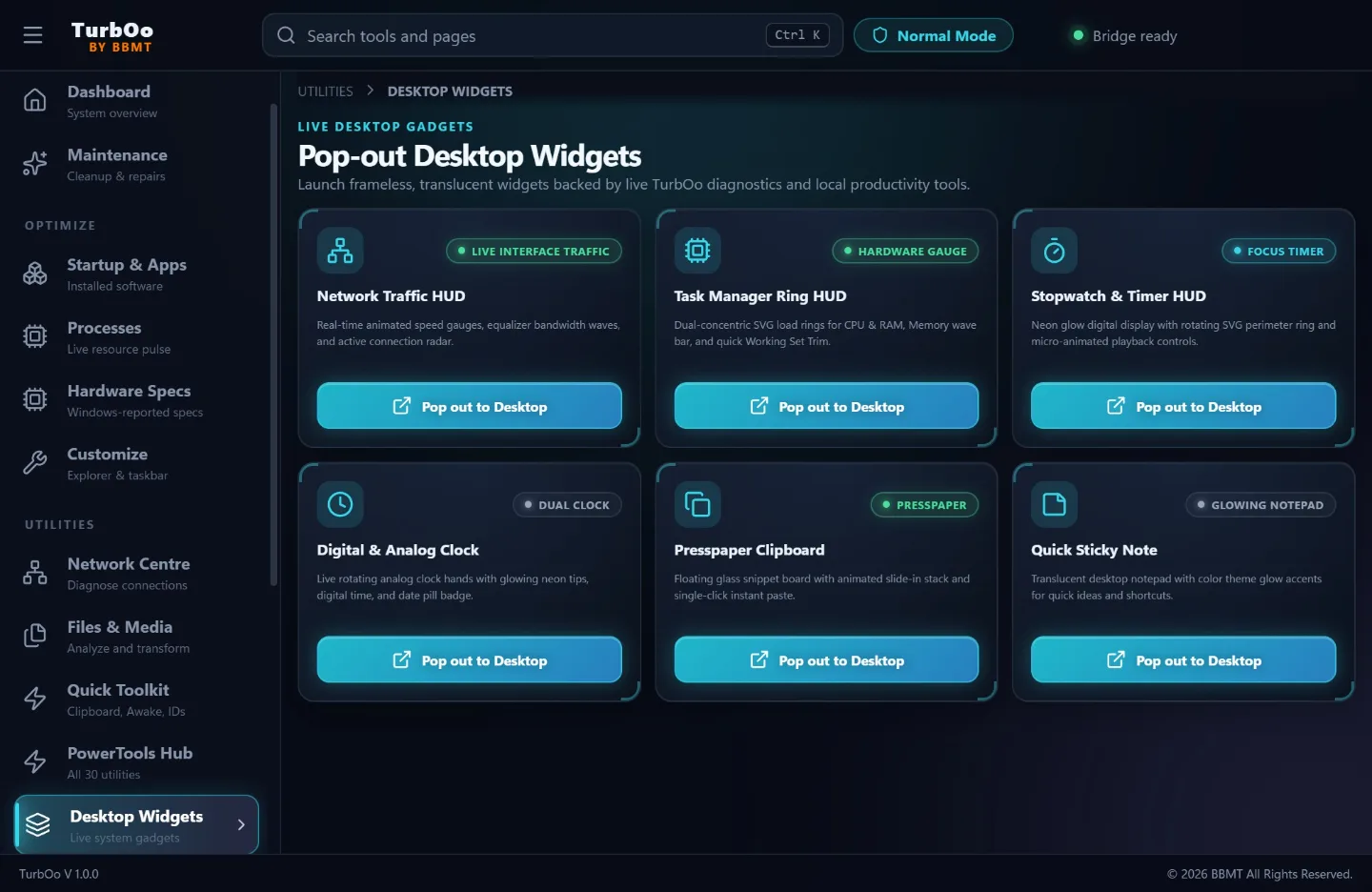
Pop-out widgets provide resource and network meters, a clock, timer, clipboard
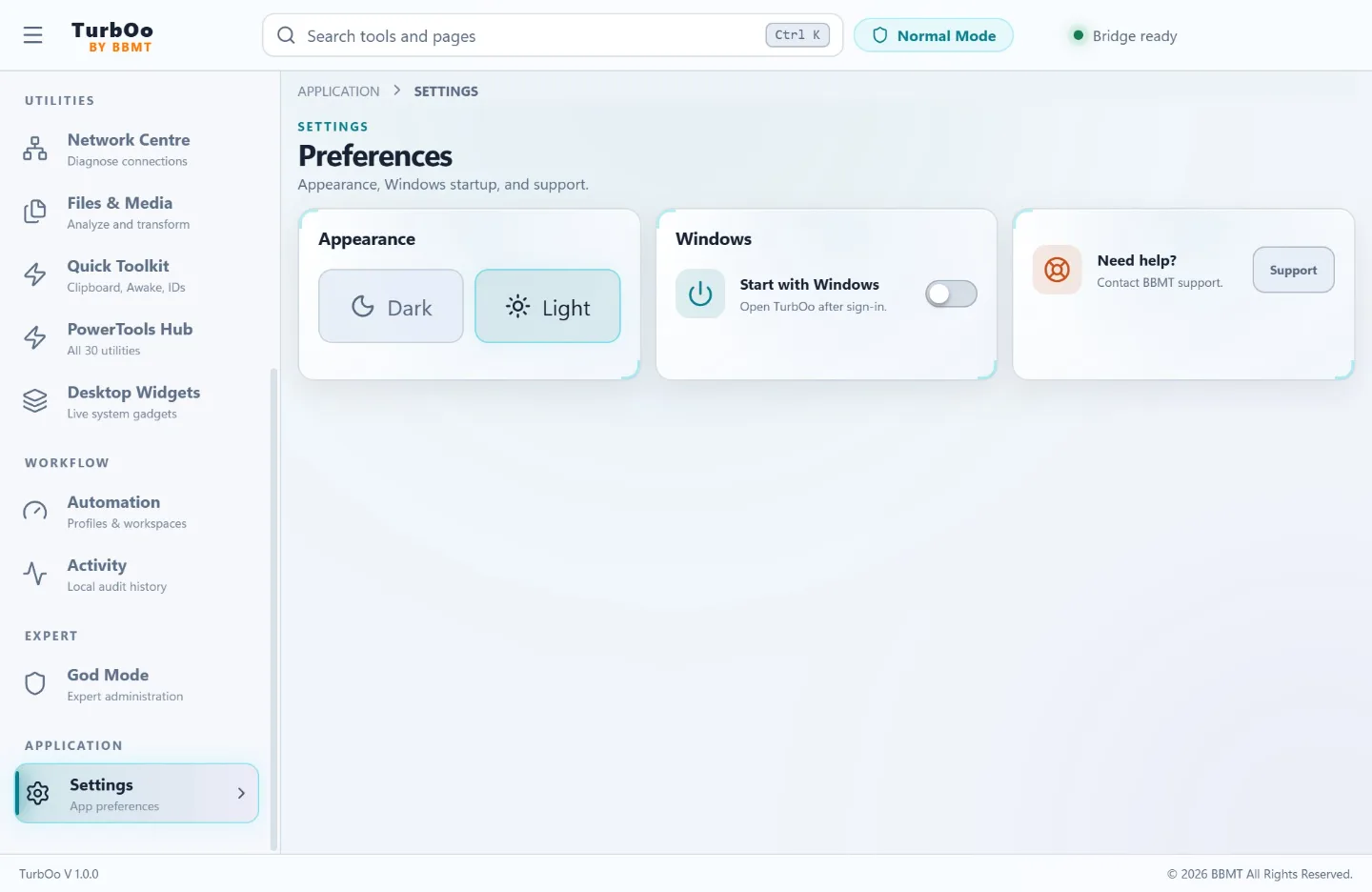
view, and persistent notes. TurbOo includes dark and light themes and is
designed for a focused 1000 x 650 desktop window.
Privacy is straightforward: there is no TurbOo account, advertising SDK, or
BBMT analytics service. App settings, operation history, notes, and workspace
data stay on the Windows PC. Files, clipboard text, and system information are
processed locally unless the user explicitly starts a Windows/package-source
lookup, network diagnostic, support email, or external web link.