

BBMT / Products / Productivity
360° Viewer
360° Viewer is a fast Windows app for viewing images, RAW files, videos, panoramas, and 360° media across 168 supported formats.

360° Viewer is a lightweight, fast, and versatile Windows desktop application for viewing standard images, camera RAW files, professional design formats, videos, panoramas, and immersive 360° media.
With its clean frameless interface, automatic per-file view detection, fullscreen mode, customizable appearance, and Windows integration, it is designed as a powerful replacement or companion for your default photo viewer and media player.
The app supports 168 file extensions, including 94 image formats and 74 video formats. Support ranges from JPG, PNG, WebP, AVIF, TIFF, HEIC and JPEG XL to Photoshop PSD/PSB files, camera RAW formats, MP4, WebM, MKV, AVI, HEVC, MXF, DNxHD and many legacy or professional media formats.
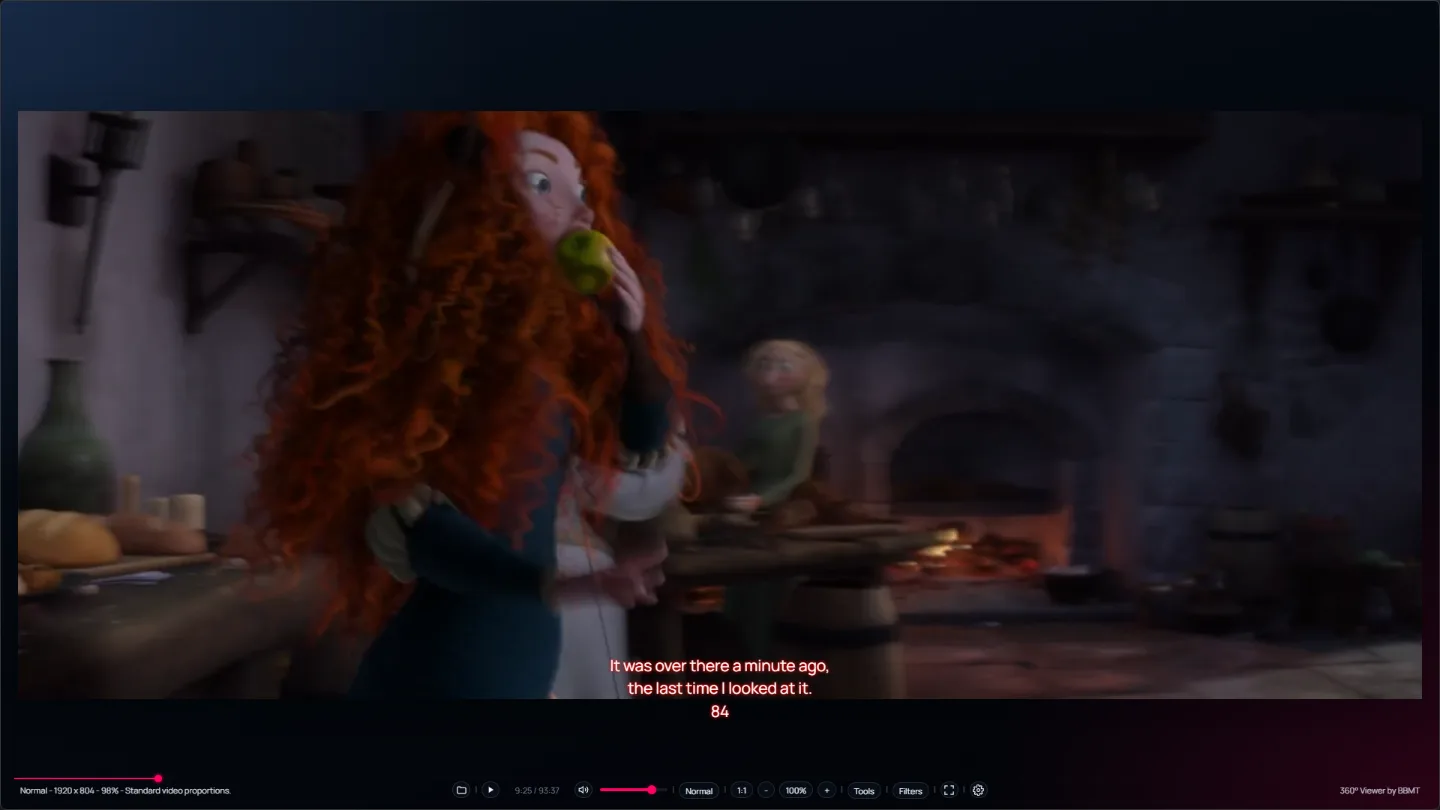
For regular images and videos, the app automatically selects Normal mode and provides fit-to-window, actual-size viewing, zoom controls, fullscreen playback, and real-time brightness, contrast, and saturation adjustments.
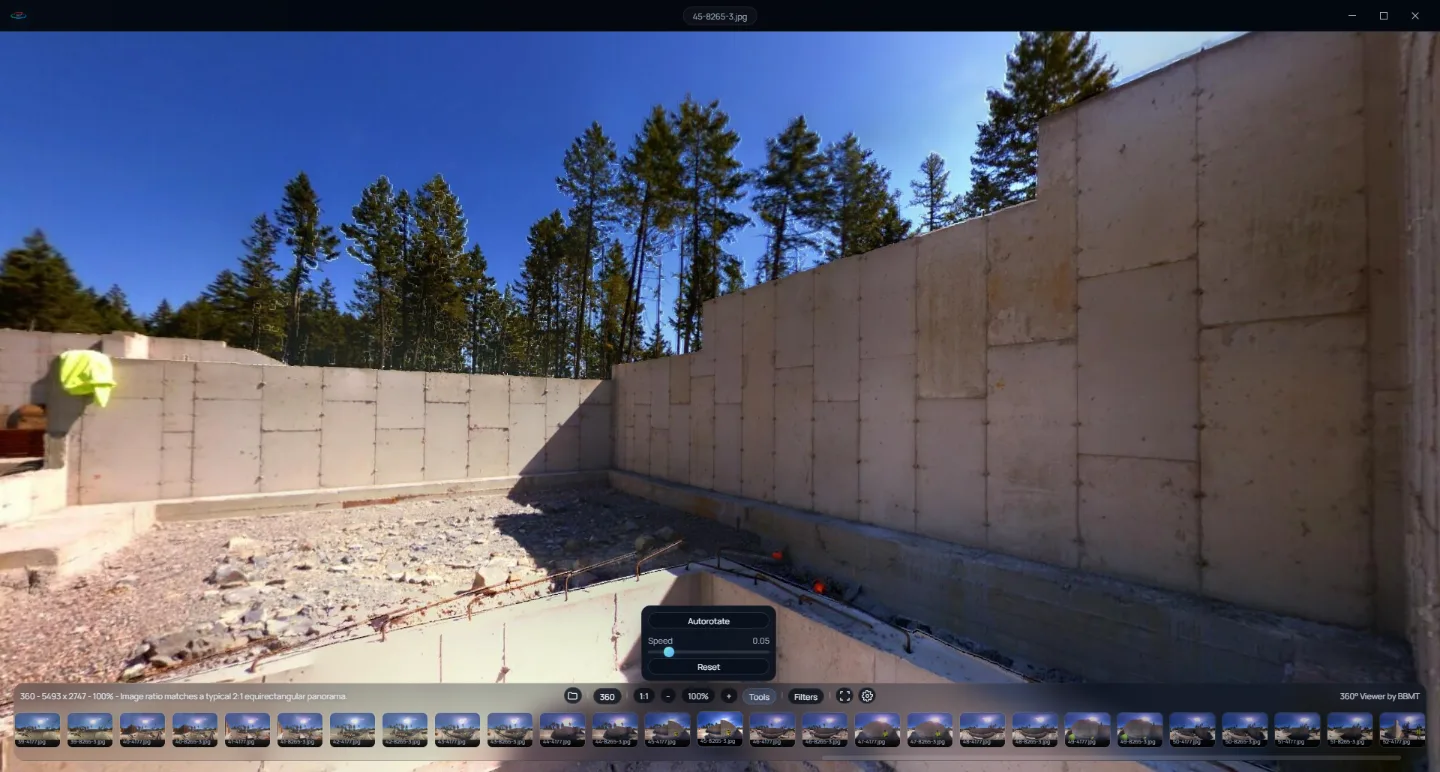
When panoramic or 360° media is detected, the rendering engine automatically switches to the appropriate interactive WebGL view. Detection is performed individually for each file using its metadata and image dimensions rather than its filename.
Key Capabilities
Extensive Media Support: Open 94 image extensions and 74 video extensions.
Camera RAW Support: Preview CR2, CR3, NEF, NRW, ARW, DNG, RAF, ORF, RW2, PEF, SRW, X3F, 3FR and many other RAW formats.
Professional Image Support: View PSD, PSB, JPEG XL, TIFF, EXR, DPX, HDR, FITS, DDS, JPEG 2000 and other specialized formats.
High-Compatibility Video Playback: Uses native playback first, followed by bundled FFmpeg compatibility decoding when required. VLC can be used as an additional fallback when installed.
Immersive 360° Rendering: Automatically detects equirectangular, cubic and cropped panoramas in both images and videos.
Folder Media Browser: Browse compatible files from the current folder using progressively loaded thumbnails and larger mouseover previews.
Image Enhancements: Adjust brightness, contrast and saturation without modifying the original file.
Flexible Zoom Controls: Use fit-to-window, 1:1 actual size, zoom buttons, percentage display and mouse-wheel zoom.
Video Controls: Includes playback, seeking, volume, fullscreen and optional three-zone mouse-wheel controls for volume, brightness and zoom.
Custom Subtitles: Supports SRT and WebVTT subtitles with configurable font, size, color, alignment, position, background opacity and glow.
Customizable Interface: Choose light or dark themes and customize the application’s background spectrum.
Windows Integration: Configure image and video associations, access Windows default-app settings, use Open With integration and open supported files directly from File Explorer.
Multiple Windows: Optionally run multiple application instances to compare or view several files simultaneously.
Supported Format Highlights
Standard Images: JPG, JPEG, JPE, JFIF, PNG, APNG, WebP, GIF, BMP, AVIF, SVG, ICO
Professional Images: TIFF, PSD, PSB, JPEG XL, EXR, DPX, HDR, DDS, FITS, JPEG 2000, TGA, PCX, QOI
Camera RAW: CR2, CR3, CRW, NEF, NRW, ARW, DNG, RAF, ORF, RW2, RWL, PEF, SRW, X3F, 3FR, IIQ, MRW and more
Videos: MP4, WebM, MOV, MKV, AVI, WMV, FLV, MPEG, M4V, TS, M2TS, VOB, ASF, DIVX, RMVB, MXF, HEVC, AV1, VP9, R3D, GXF, LXF, DNxHD, DNxHR and more
Subtitles: SRT and WebVTT