

BBMT / Products / SketchUp Plugins
3D Smart Slice
Interactive slicer: lock axes/face normals, 3-point plane, keep top/bottom/both, supports nested groups.

3D Smart Slice for SketchUp
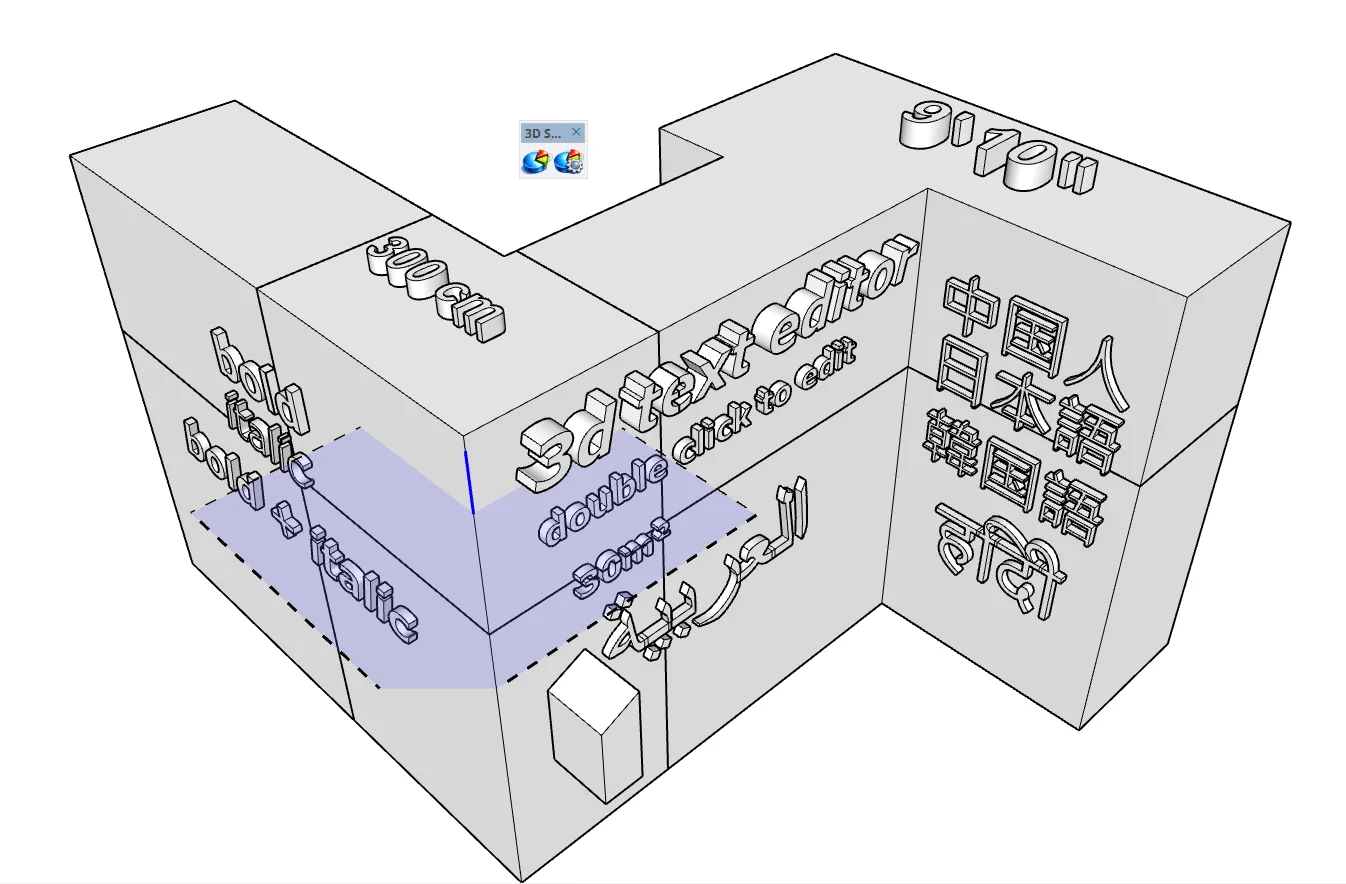
3D Smart Slice is a fast, interactive slicing tool for SketchUp that lets you cut groups and components using a real-time preview plane.
Unlike a standard section plane, which only changes how the model is displayed, 3D Smart Slice creates real geometry that you can retain, edit, inspect, export, or use in further modeling operations.
How It Works
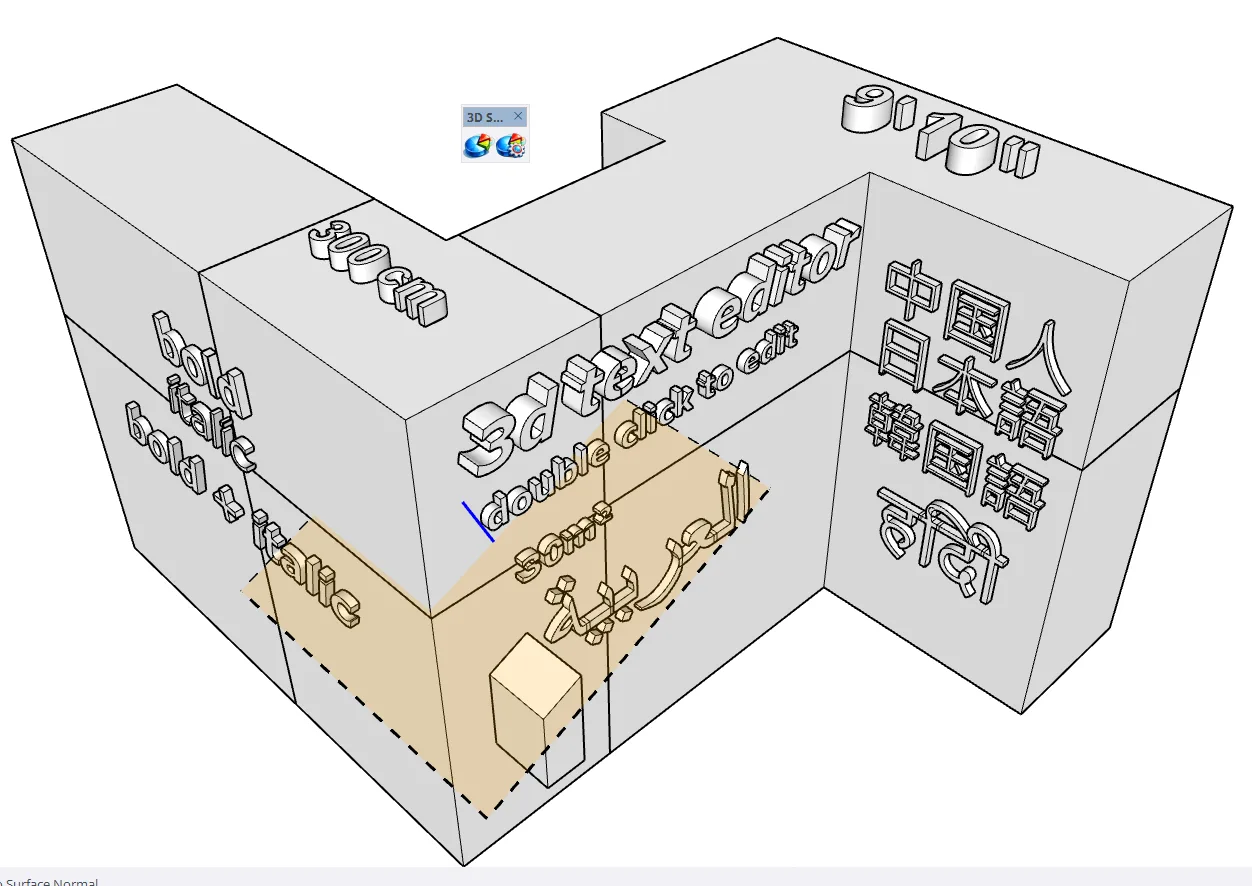
Position the cutting plane and preview the cut directly in your model. With a single click, 3D Smart Slice intersects the selected group or component with the plane and cleanly divides the geometry.
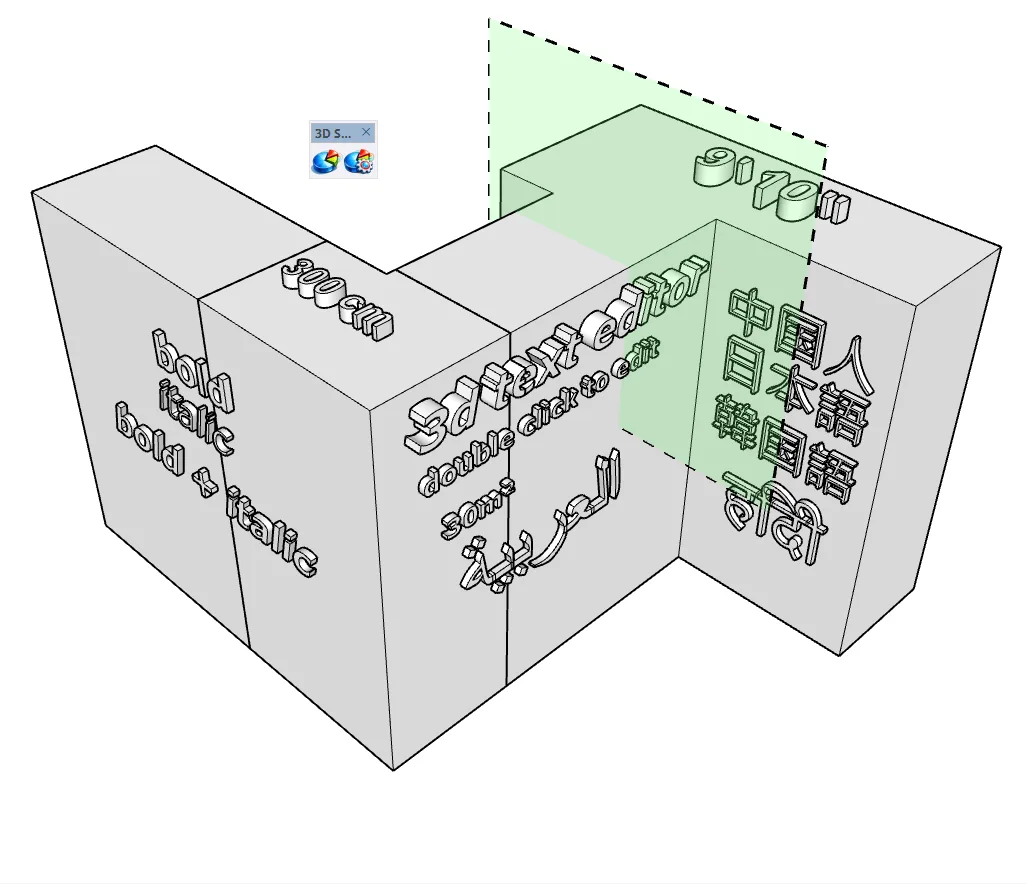
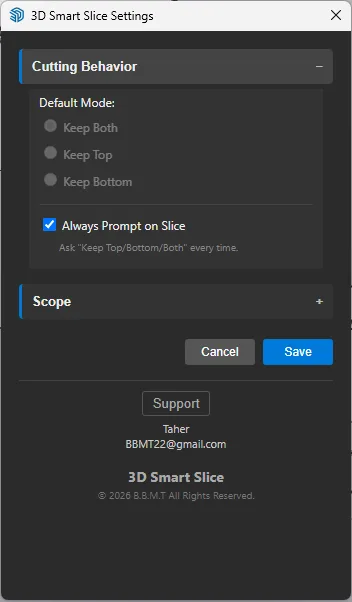
Choose how the sliced result is handled:
Keep Both
Creates two separate results, preserving the geometry on both sides of the cutting plane.
Keep Top
Keeps only the portion on one side of the cutting plane and removes the other.
Keep Bottom
Keeps the portion on the opposite side of the cutting plane.
3D Smart Slice is designed for architectural, structural, manufacturing, fabrication, and general modeling workflows where fast, accurate cuts are needed without complicated Boolean operations.