
BBMT / Products / SketchUp Plugins
NavCube
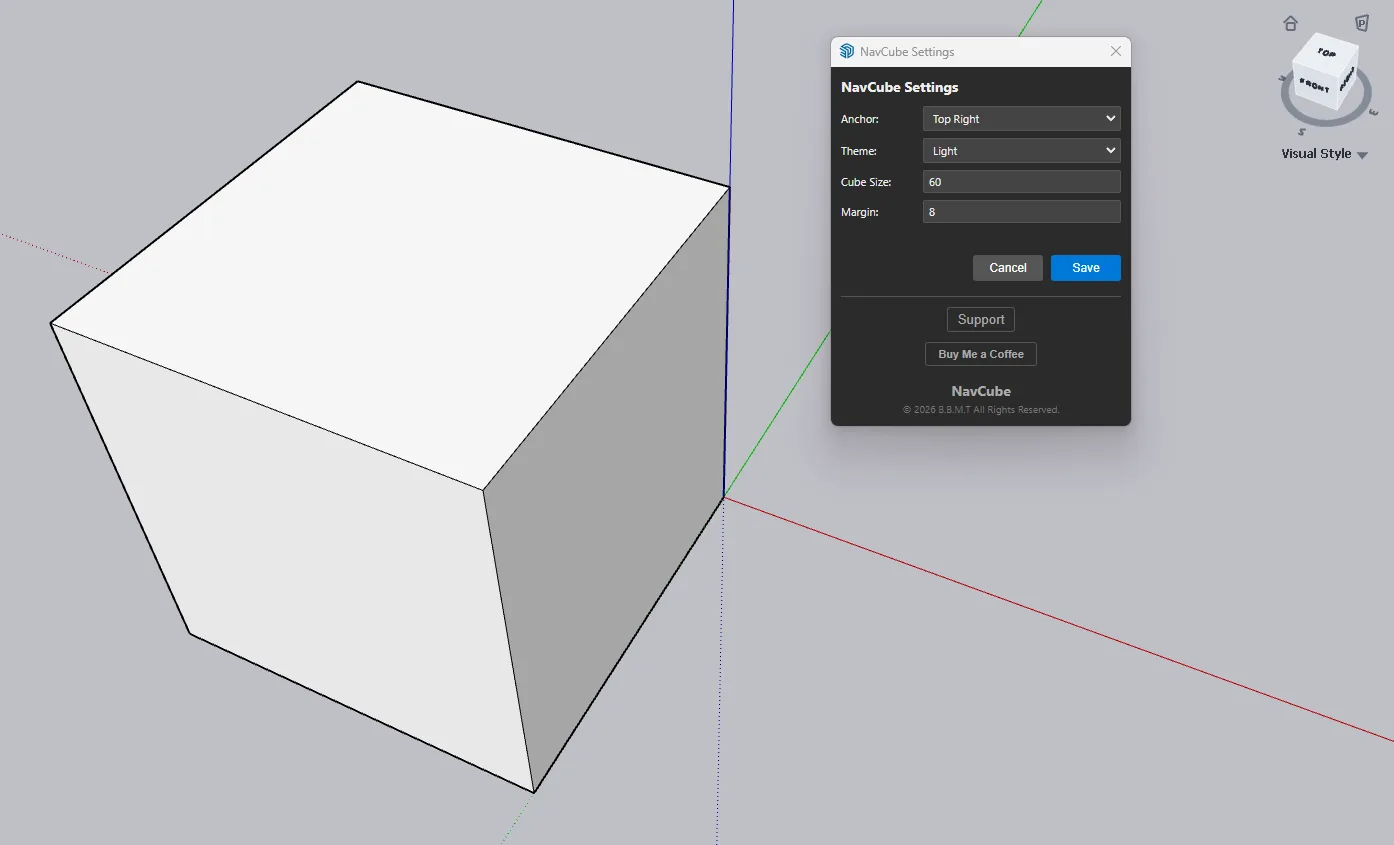
NavCube adds an on-screen navigation cube with compass, view controls, projection toggle, and visual style menu.

NavCube is a viewport navigation tool for SketchUp that adds a clean, persistent navigation cube directly on screen.
Use the cube to quickly switch between front, back, left, right, top, bottom, corner, and isometric views. A compass ring helps keep model orientation clear with N/E/S/W labels, while compact controls provide quick access to home/isometric view, Perspective/Parallel Projection toggle, and SketchUp visual style options.
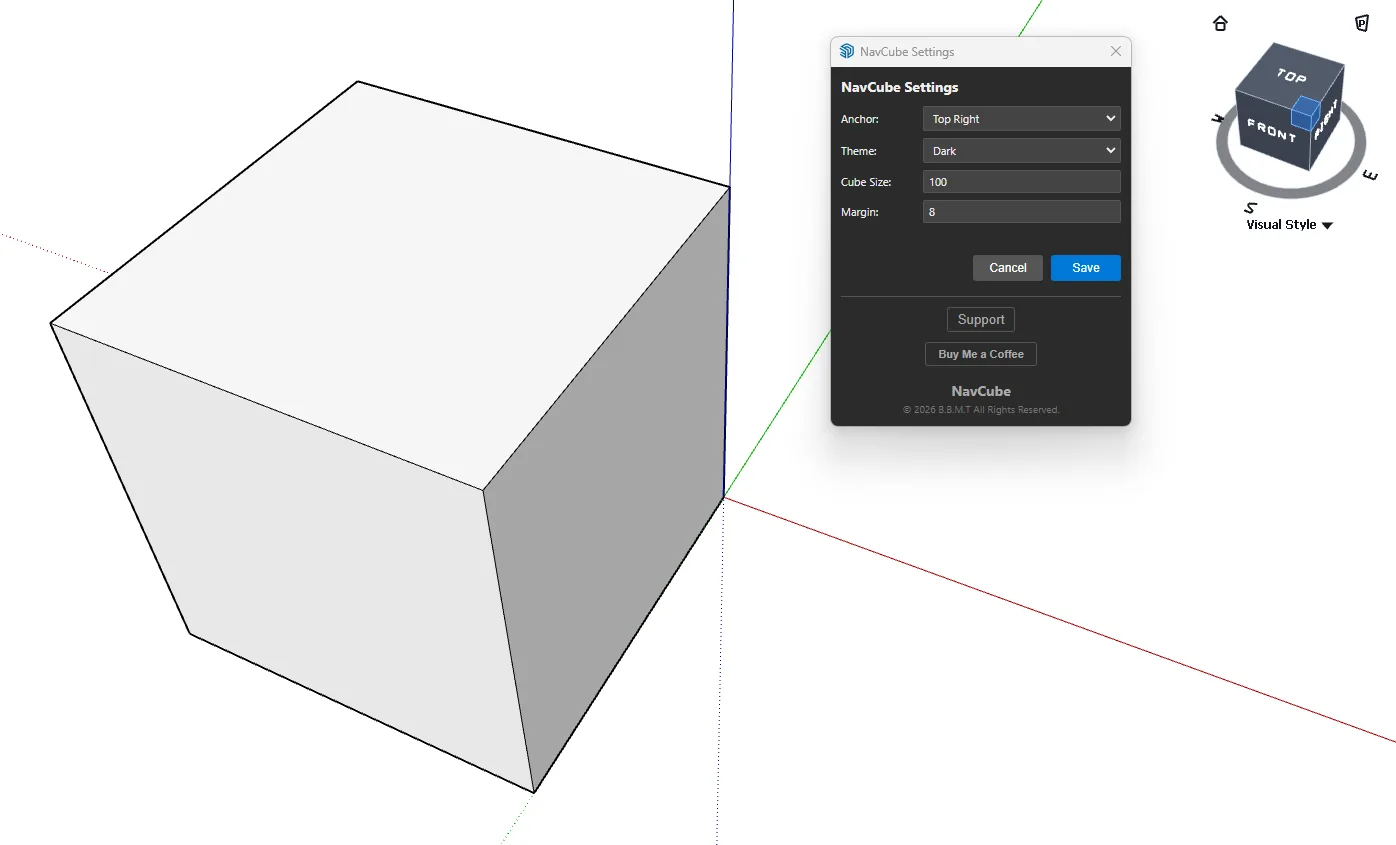
Features:
Persistent on-screen navigation cube Clickable cube faces, edges, and corners Compass ring with N/E/S/W orientation Home/isometric view button Perspective and Parallel Projection toggle Visual Style dropdown Light and dark theme options Adjustable cube size, screen margin, and anchor position Right-click NavCube context menu Settings dialog with support link NavCube is designed to stay visible while working with other SketchUp tools, helping you navigate models faster without opening extra panels or menus.